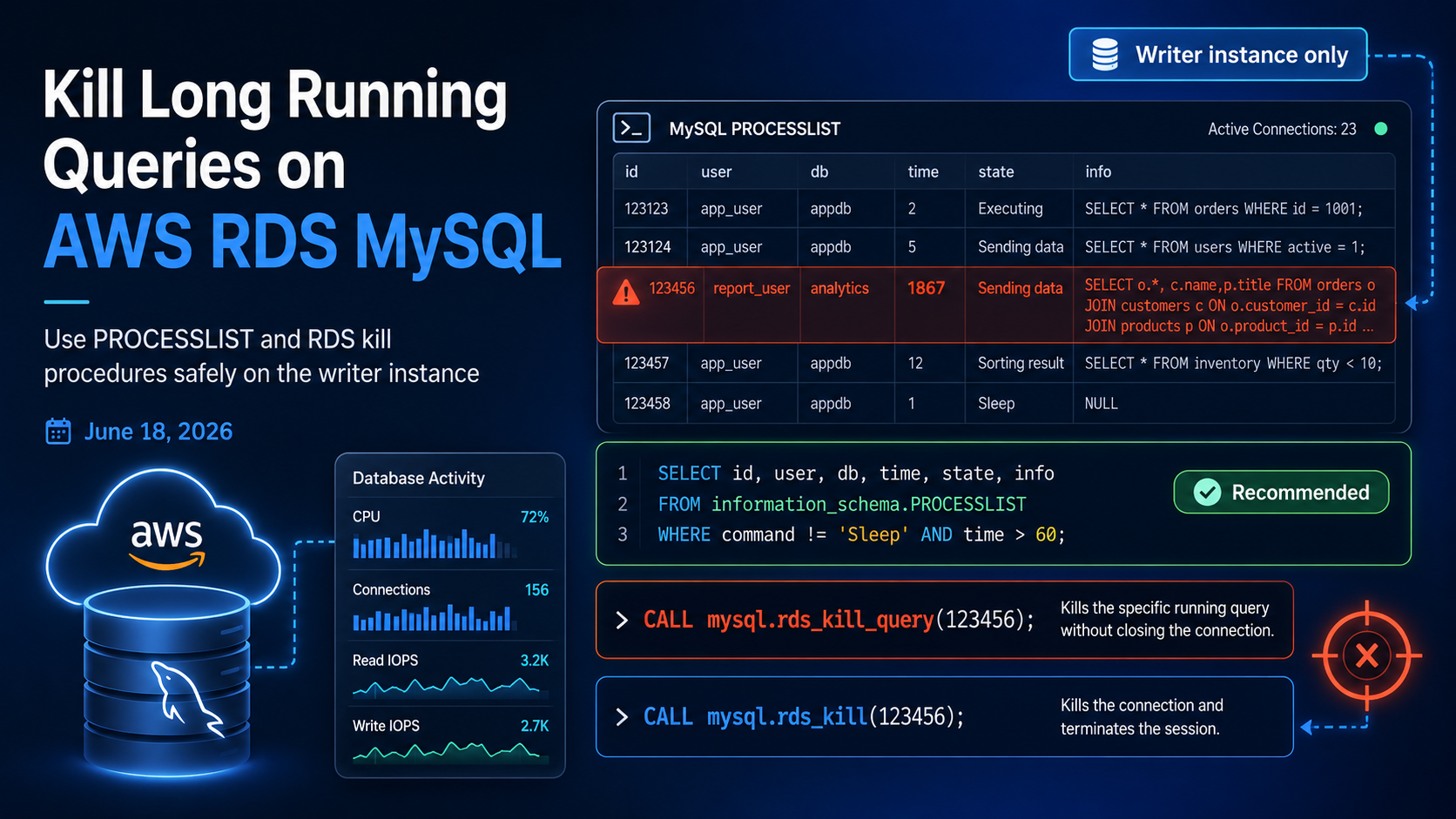
Kill Long Running Queries on AWS RDS MySQL
Long-running queries can lock tables, eat up CPU, and slow down your entire application. On a self-managed MySQL server you would just use the regular KILL command, but on AWS RDS you do not have SUPER privileges. The good news: AWS provides two stored procedures that do the same job safely.
1. Find the Long-Running Queries
Connect to your RDS MySQL writer endpoint using any client (MySQL Workbench, DBeaver, or the mysql CLI) with your master/admin user, then run:
SELECT
    id,
    user,
    host,
    db,
    command,
    time AS seconds_running,
    state,
    info AS current_query
FROM information_schema.PROCESSLIST
WHERE command != 'Sleep'
  AND time > 60                    -- adjust this, e.g. 300 = 5 minutes
ORDER BY time DESC;
This lists every active query that has been running for more than 60 seconds. The id column is the value you will pass to the kill procedure.
2. Kill the Query Safely
RDS exposes two procedures. Prefer the first one whenever possible.
-- Kill only the QUERY (recommended - keeps the connection alive)
CALL mysql.rds_kill_query(123456);   -- replace 123456 with the id from PROCESSLIST

-- Kill the whole CONNECTION (more aggressive)
CALL mysql.rds_kill(123456);
Which One Should You Use?
| Command | What it does | Risk |
|---|---|---|
mysql.rds_kill_query(id) |
Stops the current statement, the connection stays alive | Lower — best default choice |
mysql.rds_kill(id) |
Terminates the whole client connection | Higher — use only when the connection is stuck |
3. Generate Kill Commands Automatically
If you have several queries to kill, let MySQL build the statements for you:
SELECT
    CONCAT('CALL mysql.rds_kill_query(', id, '); -- running for ', time, ' seconds') AS kill_command
FROM information_schema.PROCESSLIST
WHERE command != 'Sleep'
  AND time > 300                    -- queries running more than 5 minutes
ORDER BY time DESC;
Copy the output, review it, and paste it back into your client to execute.
4. Visual Inspection with Performance Insights
If you prefer a UI, AWS Performance Insights gives you a live view of what is happening on the database:
- Open the AWS Console → RDS → your DB instance.
- Click Performance Insights.
- Use the Top SQL tab to see the heaviest queries and the Active sessions chart to spot waits.
5. Safety Warnings
- Killing a query in the middle of an
INSERT,UPDATE, orDELETEtriggers a rollback. Large transactions can take a long time to roll back. - Always look at the
statecolumn first. Queries stuck on Locked or Waiting for metadata lock are usually safe to kill. - Killing queries owned by application users may surface errors in your service — coordinate with the team if you can.
- Never run these kills against a reader endpoint. The session ids you see there are local to that replica.
Bonus: One-Liner to Kill Everything Older Than 10 Minutes
SELECT CONCAT('CALL mysql.rds_kill_query(', id, ');')
FROM information_schema.PROCESSLIST
WHERE time > 600
  AND command != 'Sleep';
Again, this just generates the statements. Review them before running, because automating a blanket kill is a great way to take down a healthy reporting job by accident.
Wrapping Up
On AWS RDS MySQL you trade the regular KILL command for two safer stored procedures: mysql.rds_kill_query for the statement and mysql.rds_kill for the whole connection. Combined with information_schema.PROCESSLIST and Performance Insights, you have everything you need to investigate and stop runaway queries — just remember to do it on the writer.